 Pantry Raider
Everything it does
From getting groceries in to getting dinner out. Try any of it live in the interactive demo.
See it in action
The app, live
A few of the things Pantry Raider does, moving. Everything is catalogued below.
On the counter
Built to live in the kitchen
A dark-theme UI made for touchscreens and a physical Stream Deck: scan modes, timers, thermometers, weather, and cameras, all on your own network with no on-screen ads.
Open the live demoLabel it
Print a label for anything
Send a best-by label to a network or Bluetooth label printer and design it yourself: the name, dates, an honest "est." chip, quantity, location, or a QR code, with a live to-scale preview, on rectangular, square, or round stock.
See the hardwareCook it right
Watch the roast from your screen
Bluetooth meat and grill probes report internal and ambient temperatures on the kitchen screen. Set a target and it alerts you the moment the brisket hits it, so you can walk away.
Try the demoMake it yours
Theme it to match your kitchen
A dozen bundled themes plus a custom builder with contrast-checked legibility, so the display on your counter looks exactly the way you want it to.
Play with themesOwn your data
Backups you actually control
Download a secrets-stripped backup, restore it in place, or schedule encrypted cloud backups to S3, Backblaze, Google Drive, and 40+ more. It is your data, on your terms.
Get started01 / Get food in fast
Get food in fast
Adding groceries should take seconds, not minutes of typing.
02 / Keep track
Keep track
Know what you have, where it is, and what needs eating first.
Waste insights
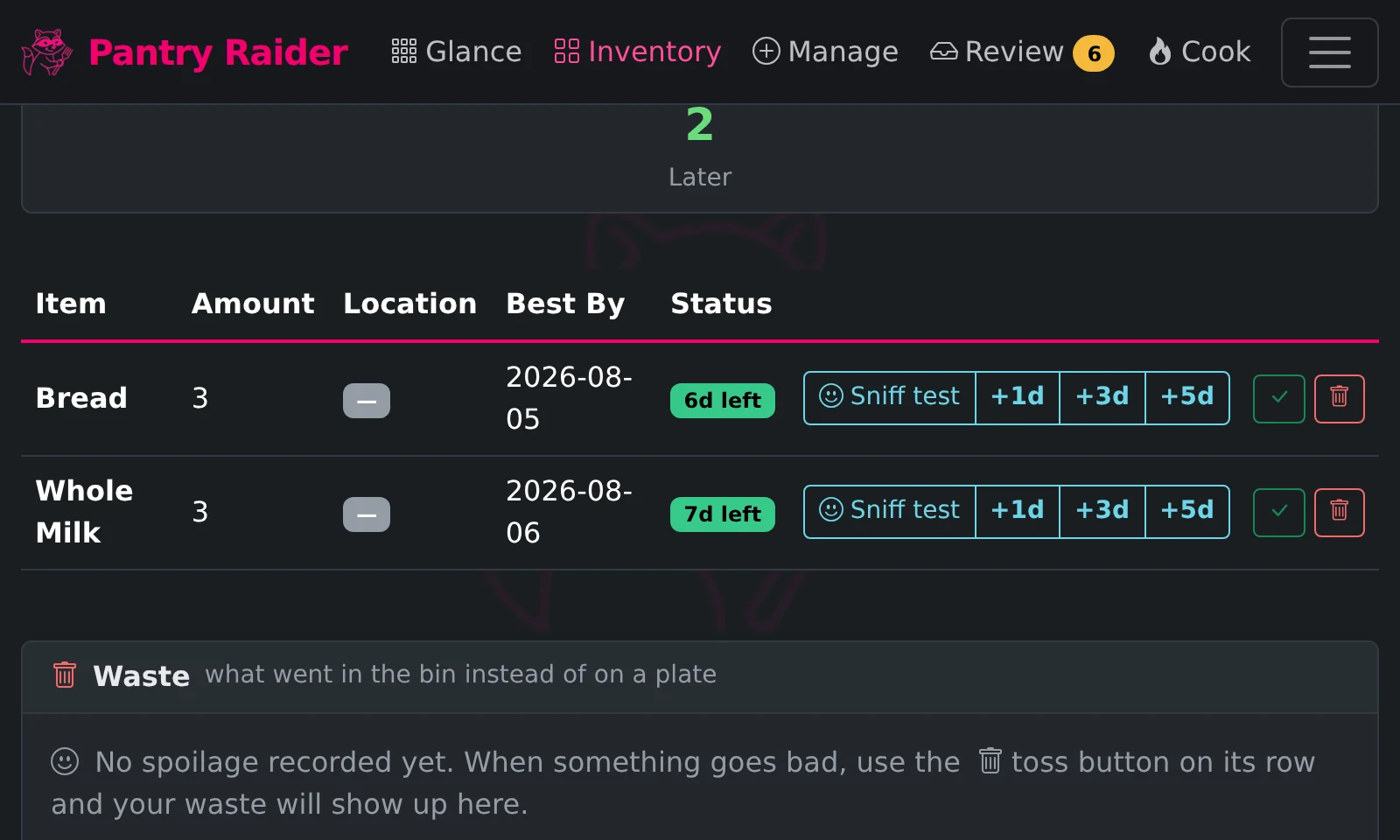
Tosses add up to a waste summary on the Expiring page: your most-tossed items, how often and how much, and what share of each one went in the bin instead of on a plate, so the bag of spinach that keeps losing the race stops getting a pass.
Fridge & freezer protection
Cheap Bluetooth hygrometers (Govee H5075, SwitchBot Meter, ATC-flashed Xiaomi) watch the fridge and freezer, and door-contact sensors catch a door left ajar. Alarms fire when the temperature drifts — with grace periods, so a normal rummage never pages you.
Sensor guide →03 / Cook from what you have
Cook from what you have
The point of tracking food is eating it.
Cook wizard
Not sure what you want yet? A Launch cook wizard button on the Cook page opens a step-by-step, touch-friendly guide: type what you are craving, or tap through big-button questions on cuisine, dish type, and dietary needs, every step skippable. Results come from your own library and the web, and Cook, Add to cart, and Print all work from inside the wizard.
How the wizard works →Suggested buttons
The Start Page and Stream Deck editors watch your real history: groceries you have bought three or more times in the last month appear as ready-made quick-add shopping buttons, and a recipe you cook often appears as a Cook shortcut. Each suggestion says why it is offered, adds with one tap, and can be dismissed for good.
Community recipes
Browse recipes shared by the Pantry Raider community and save any of them to your kitchen, free. Share your own from the app, or by logging in to Forager on the web.
Browse recipes →Share any recipe
Every recipe has a Share button: create a clean, readable public link anyone can open and print, send it by email or to the usual social networks, or share it straight to another Forager user so it lands on their Recipes page ready to import. No Forager? Download it as readable plain text or as an import file another Pantry Raider reads back in, or email the full text. Printouts and PDFs come properly branded and grouped by section, and print cleanly in plain black and white. Sharing a copycat of a famous dish is welcome, and the share flow suggests honest naming (Copycat, or -style) when a title is just a brand name.
04 / A kitchen that helps
A kitchen that helps
Built to live on a counter, not just in a browser tab.
Split screen
Two app pages at once on an ultrawide or tall display: side by side on a wide panel, top and bottom on a tall bar-shaped one like the Waveshare 480x1920. Lock the first pane to Glance as an always-on status panel while the second browses normally.
Counter keys
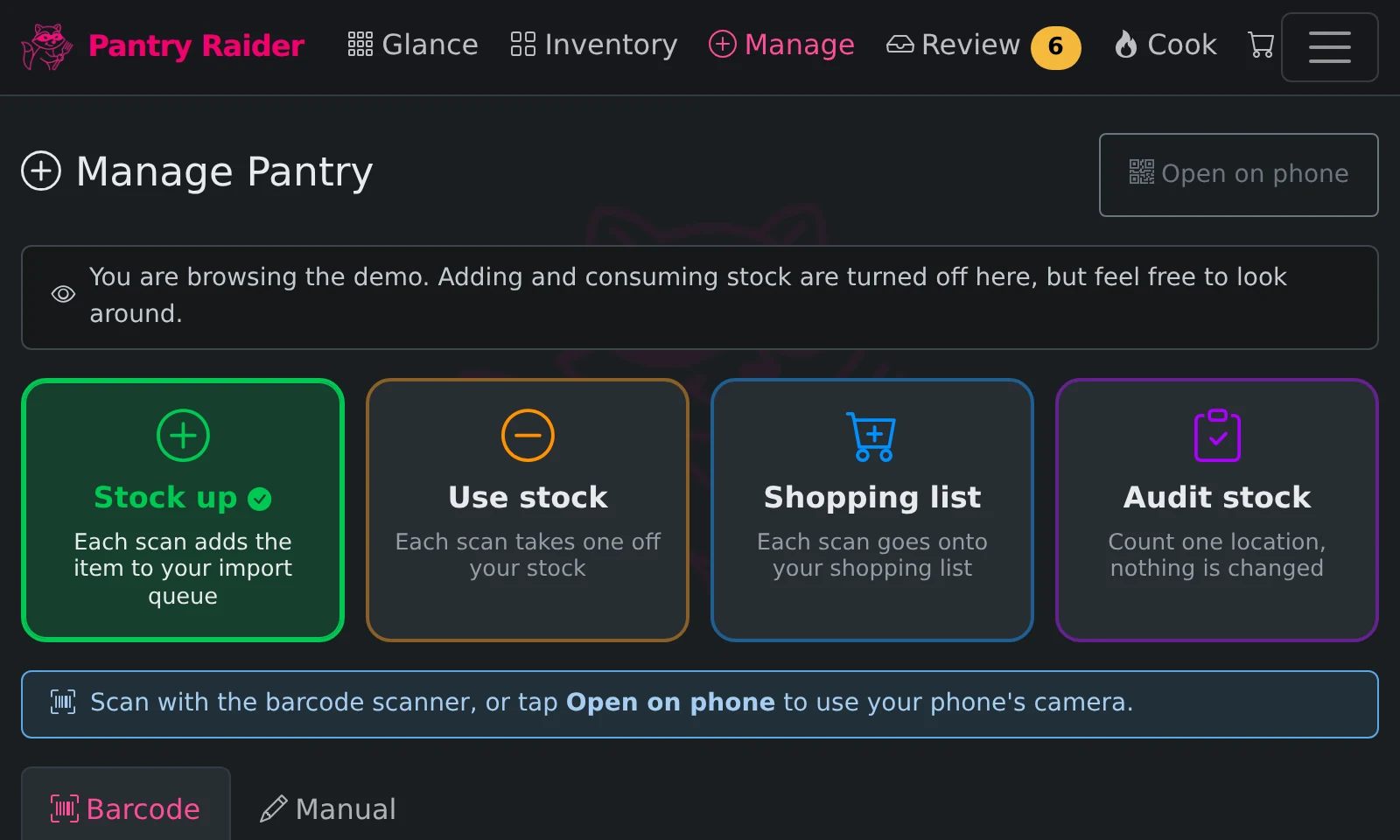
Plug an Adafruit NeoKey 1x4 into a Pi appliance and four lit keys sit by the scanner: one press switches what a scan does (stock up, use up, shopping list, audit) and brings the display to the scan page, with the active mode lit in its own color. Keys can also open any page or run the timers, and while a timer counts down the pad becomes a bar that empties from the top, then flashes when time is up.
Shelf buttons
Stick a coin-cell Shelly BLU Button1 (about $10) on a shelf: single, double, and long presses each map to adding a product to the shopping list or any action you choose. Milk runs low, one press, it is on the list.
Button guide →05 / Make it yours
Make it yours
Every kitchen and every household is different.
Screensaver, your way
After the idle minutes the screen dims to a bouncing logo, flying toasters, a starfield, or a photo slideshow fed from a USB drive, a folder on the device, an Immich album, or a plain list of image links. Running timers float across it as live countdown pills, so a dimmed screen still tells you the pasta is nearly done.
06 / Own your data
Own your data
Self-hosted and private by default, with AI strictly on your terms.
Zero-touch first run
A fresh install provisions its own backends: Pantry Raider signs in to a newly started Grocy itself, creates its API key, and replaces the default password with a generated one you can reveal in Settings — the same for Mealie if you run it. No key pasting, and because recipes, the meal plan, and the shopping list are built in, new installs skip Mealie entirely. Existing installs are left completely alone.
How first run works →Forager cloud (optional)
Forager, the optional hosted companion, adds secure remote access to your kitchen from anywhere and pooled AI credits, from $10 a year. It is always optional and your install never depends on it.
See plans →Straight from the demo
What the kitchen screen actually shows
Captured from the live demo at kiosk-panel size (800x480). The same pages are yours to click through at demo.pantryraider.app.
See it for yourself
The demo runs in your browser with sample data. The real thing installs in one command.